Two editions of the China Relocation Toolkit
Both editions include the same workbook, budget calculator and IIT calculator. Professional adds what an HR team needs to run a relocation for their team: a deployment guide, email templates, a white-label file, and a team licence.

Basic
For one person or a couple moving on their own.
$39 USD
One-time payment
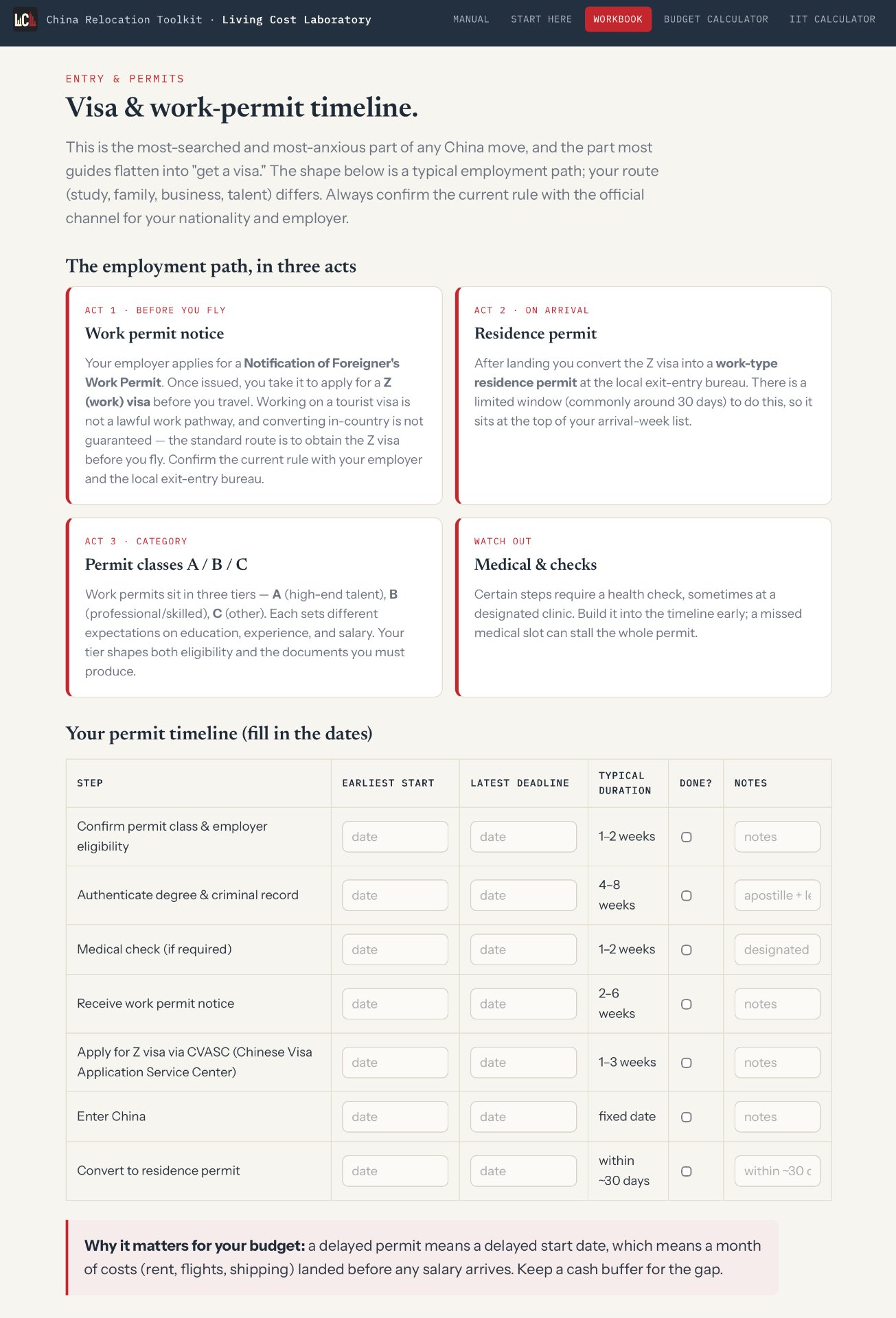
- Relocation workbook: visa steps, lease and deposit checklists, city quiz
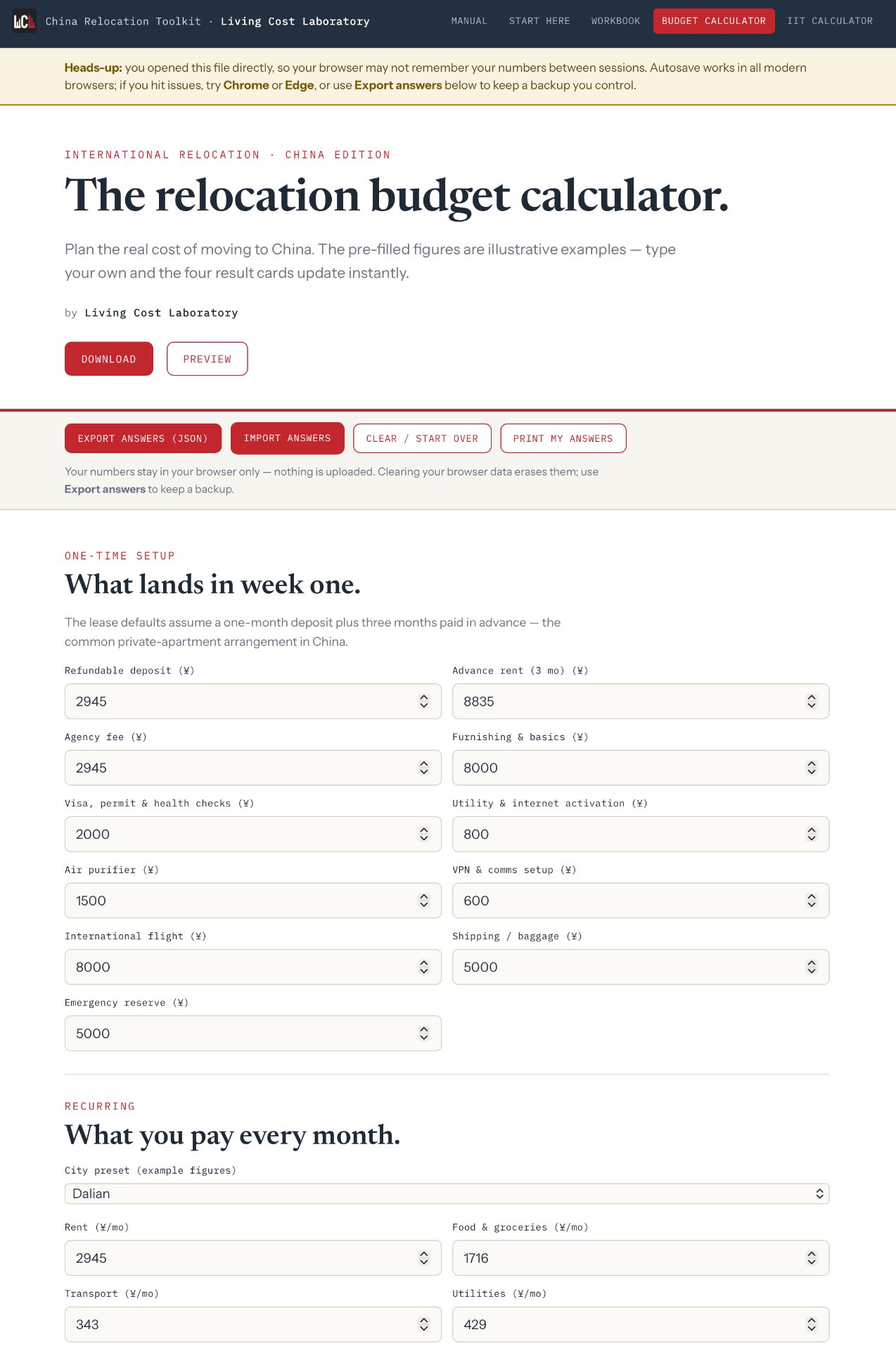
- Budget calculator: one-time setup, monthly baseline, surplus; 19 city presets
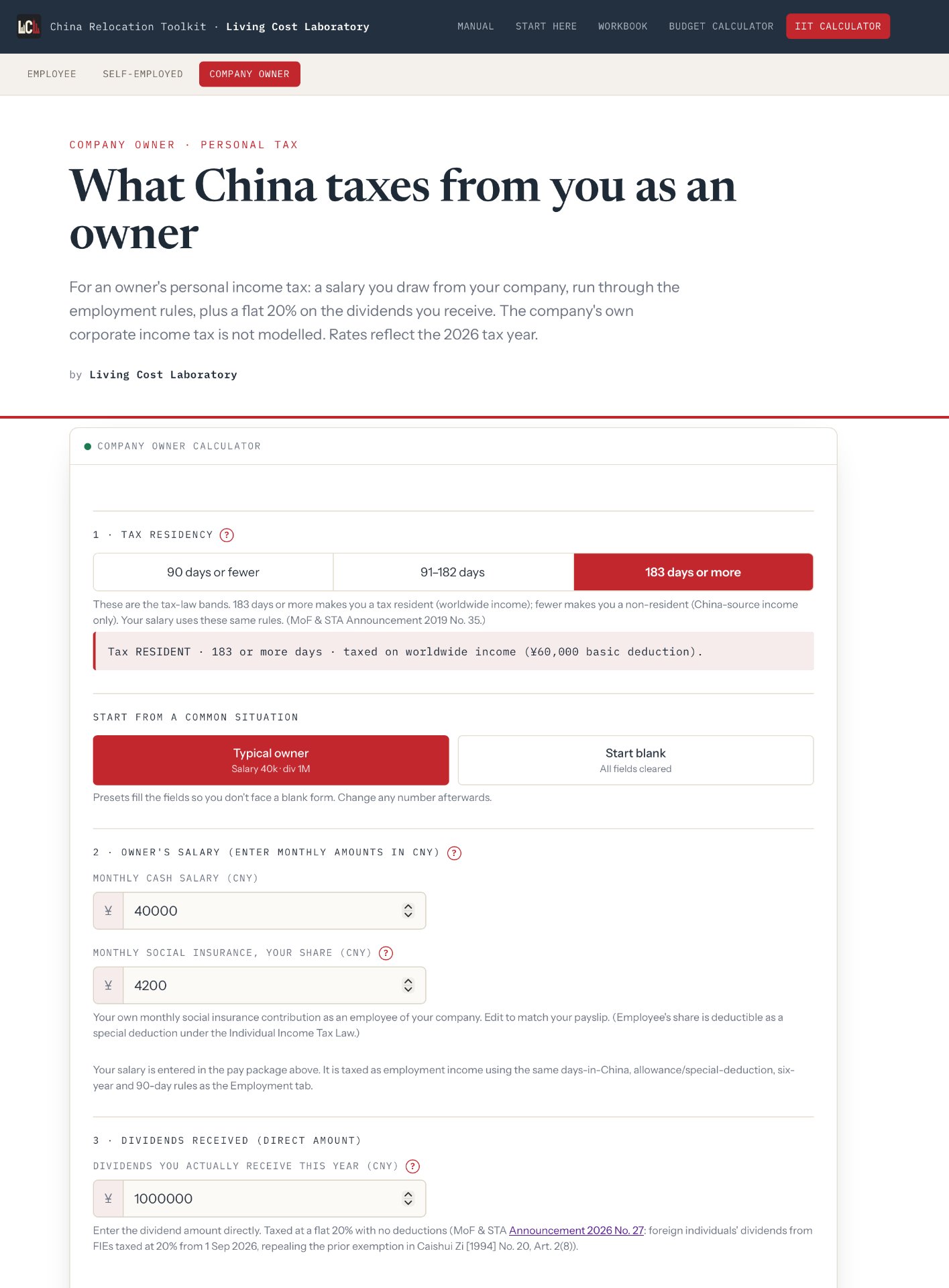
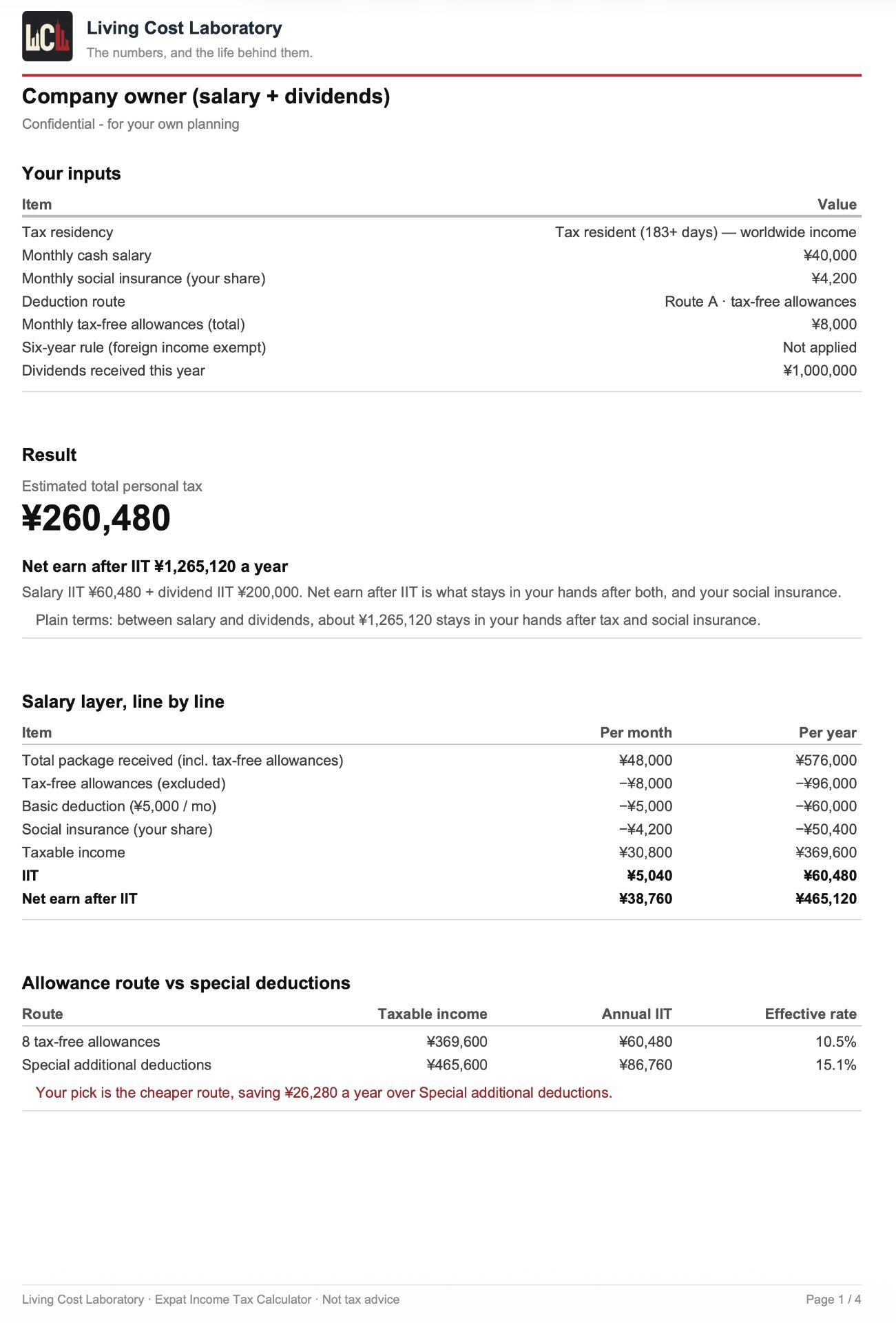
- IIT calculator: employed, self-employed or company owner
- Start-here guide and user manual
- Personal licence

Professional
For HR teams and relocation managers moving staff into China.
What Professional adds
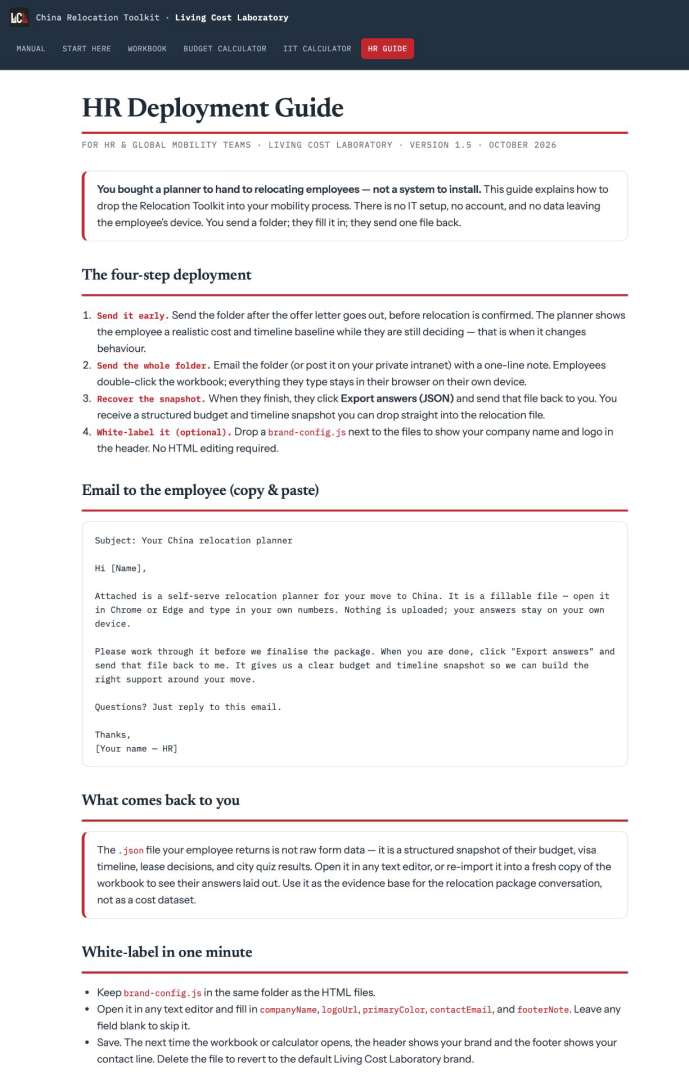
- HR deployment guide — when to send it, email templates, collecting answers
- Team licence — one company, reusable for every assignment
- White-label file — add your company logo to the deliverables
$99 USD
One-time payment
- Everything in the Basic edition
- HR deployment guide: when to send it, email templates, collecting answers
- Team licence: one company, reusable for each assignment
- White-label file: add your company logo to the deliverables
How the toolkit works
No account. Nothing to install. Not ready yet? Try our free calculators or city cost comparisons first.
What you download
A ZIP file. Unzip it, open the start-here guide in any modern browser. The workbook and the calculator are single HTML files, so they work the same on a laptop, a work computer or a phone. After payment, Creem emails you the download link immediately.
Where your answers go
Your answers stay in your browser. We don't see them, and there's no server to store them. When you're done you can export them to a file, for a backup, or to hand to whoever is paying for the move.
It tells you what to ask
The toolkit tells you what to ask, and in what order. The few numbers inside are placeholders; you replace them with real quotes for rent, schools and health checks instead of guessing from rough averages.
Updates
When we update the toolkit, you get the new version free. Download it again from the store you bought it from.
Inside the toolkit
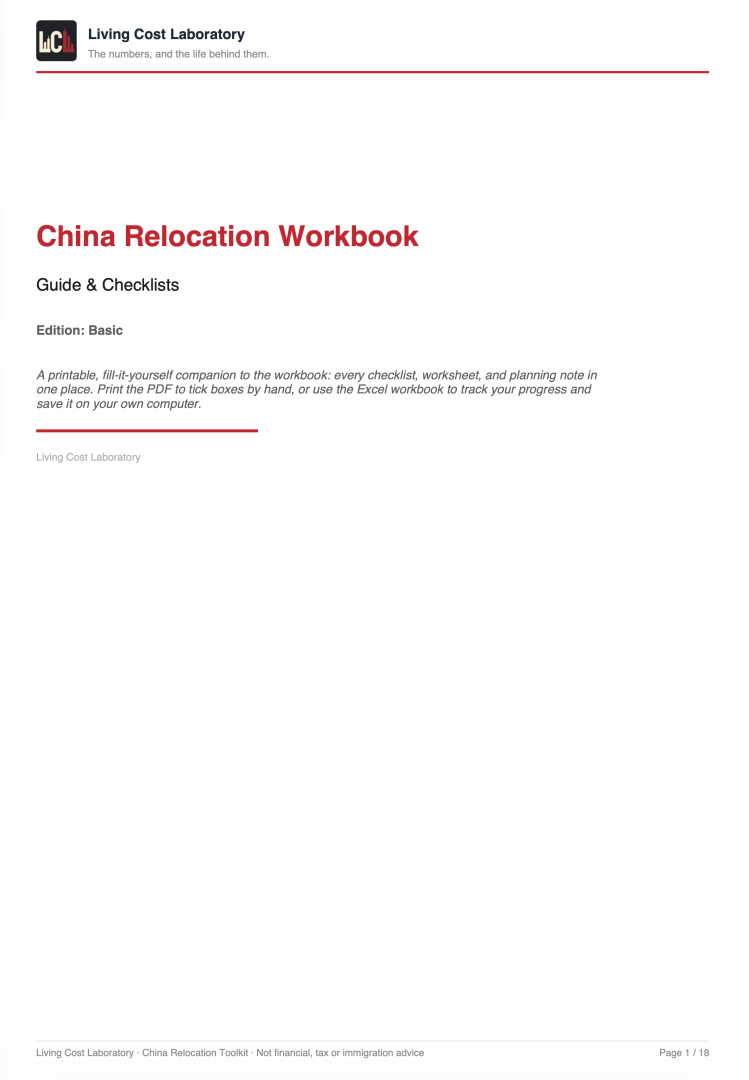
Every file opens as a single HTML page in your browser. Screenshots below are from the Basic edition; the Professional edition adds the HR deployment guide on top of the same pages. Tap any image to open it full size.
Questions
- What do I get after I pay?
- A download link by email. Creem sends it the moment payment clears. Unzip the file and open the start-here guide in any browser.
- Do I need an account or to install anything?
- No. The workbook and calculators are single HTML files that run offline in any modern browser, on a laptop, a work computer or a phone.
- Where do my answers go?
- Nowhere but your browser. We never see them and there is no server storing them. You can export them to a file as a backup or to share with whoever is paying.
- What is the difference between Basic and Professional?
- Both include the same workbook, budget calculator and IIT calculator. Professional adds an HR deployment guide, email templates, a white-label file and a team licence.
- How do refunds work?
- These are instant digital downloads. If a file will not open or is not what this page describes, email us via our contact page within 30 days and we will fix it or refund you in full.
- Do you issue invoices?
- Payment, tax and invoices are handled by Creem, our merchant of record.
- Does it work on my browser and phone?
- Yes, on Chrome, Edge, Safari and Firefox on desktop or mobile. For the in-page PDF export, use Chrome or Edge.
- Will the toolkit go out of date?
- No. You get free updates; download the new version again from the store you bought it from.
What this is not.
This is a planning tool. It isn't legal, tax, immigration or financial advice. Check the requirements with the authorities and a qualified professional before you act.
Refunds. These are instant digital downloads. If a file won't open or isn't what this page describes, email us via our contact page within 30 days and we will fix it or refund you in full. Payment, tax and invoices are handled by Creem, our merchant of record; card details never touch our servers.